Passing (laravel) Array in Javascript


var app = @json($array);


you can use json_encode()


var array = {{ json_encode($theArray) }};


or parse the json string using JSON.parse()


var array = JSON.parse('{{ json_encode($theArray) }}');


Sometimes you may pass an array to your view with the intention of rendering it as JSON in order to initialize a JavaScript variable. For example:

<script>
    var app = <?php echo json_encode($array); ?>;
</script>
 

Sometimes you may pass an array to your view with the intention of rendering it as JSON in order to initialize a JavaScript variable. For example:

<script>
    var app = <?php echo json_encode($array); ?>;
</script>
However, instead of manually calling json_encode, you may use the @json Blade directive. The @json directive accepts the same arguments as PHP's json_encode function:

<script>
    var app = @json($array);

    var app = @json($array, JSON_PRETTY_PRINT);
</script>


The @json directive is also useful for seeding Vue components or data-* attributes:

<example-component :some-prop='@json($array)'></example-component>
 

https://laravel.com/docs/5.8/blade#blade-and-javascript-frameworks

https://stackoverflow.com/questions/33326699/passing-laravel-array-in-javascript 

How to add a new element to every item of collection? Laravel


 $posts->map(function ($post) {
    $post['url'] = 'http://your.url/here';
    return $post;
});

or (if its Error "Cannot use object of type stdClass as array")

$posts->map(function ($post) {
    $post->url = 'http://your.url/here';
    return $post;
});


source : https://laracasts.com/discuss/channels/laravel/how-to-add-a-new-element-to-every-item-of-collection

How to take a full page screen capture using Chrome's built-in tool


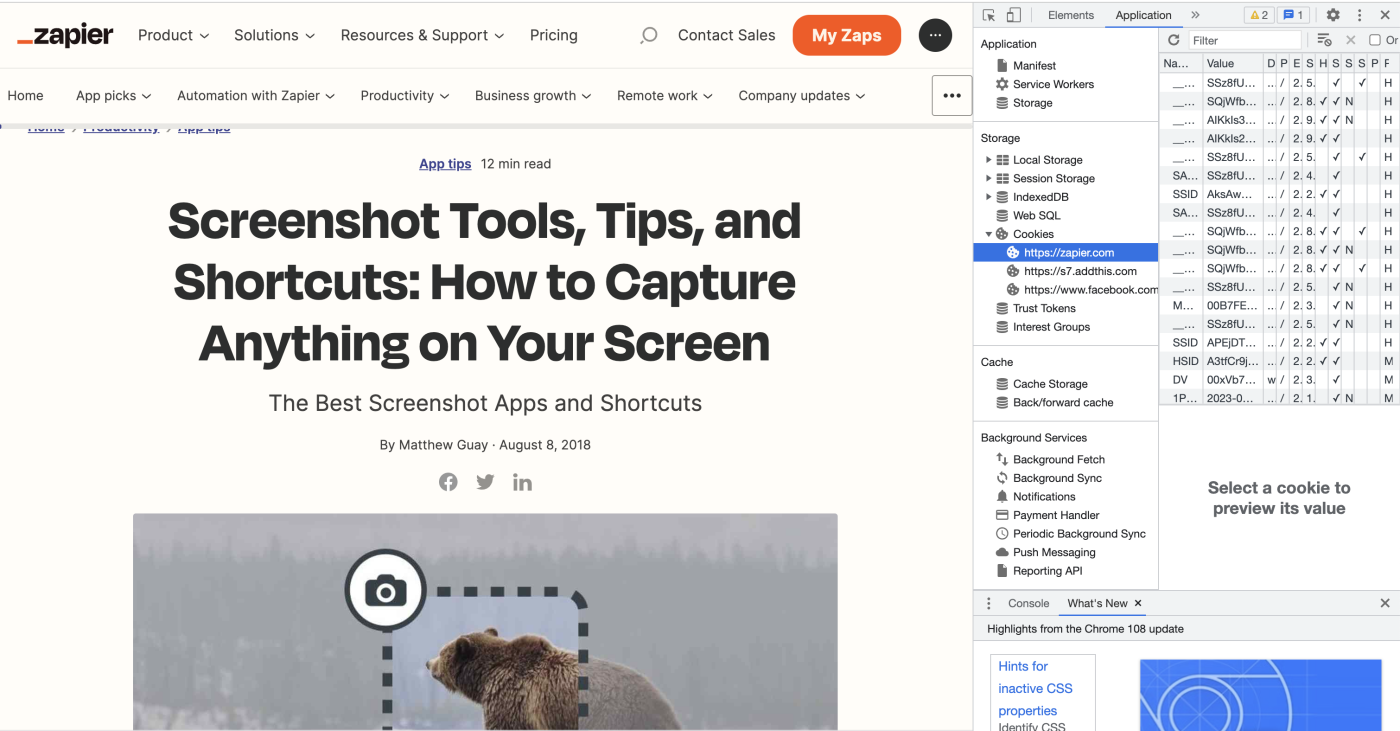
Google has to know people are mish-mashing screenshots together, so it's a real mystery why their built-in screenshot tool is hidden. But now that you know about it, check out how simple it is to get a full-page screenshot using a few keyboard shortcuts. (These are the same instructions as above, just with some screenshots to help you visualize the process.)

  1. With the web page open

    1. Ctrl + Shift + I 

    2. Ctrl + Shift + P (on Windows).

    Find Screen Shoot

    Portion of a webpage with the developer toolbar open to "Application."


DOMPDF livewire

 https://forum.laravel-livewire.com/t/dompdf-en-livewire/1249/3


$pdf = PDF::loadView('livewire.pendaftaran-mandiri-pasien-poli.cetak-tiket', $data)->setPaper('a4', 'landscape')->output(); //
return response()->streamDownload(
fn() => print($pdf),
'export_protocol.pdf'
);


php to date format (oracle equivalent => yyyymmddhh24miss)

 php - date format (oracle equivalent => yyyymmddhh24miss) 

PHP

$logDate = date("YmdHis");  

Laravel Carbon

$logDate = Carbon::now()->format('YmdHis');

prettier-tailwind-plugin isn't working as expected when I hit save in VSCode

 Hi there. . .

you may have a hard day when using prettier-taiwind-plugin 

you follow the guide and find it not working well . . .

after i googled a bit more. . .

i found this one plugin for VS Code has worked the same as prettier tailwind plugin

here it is 

Headwind is an opinionated Tailwind CSS class sorter for Visual Studio Code. It enforces consistent ordering of classes by parsing your code and reprinting class tags to follow a given order.


Headwind runs on save, will remove duplicate classes and can even sort entire workspaces.


:)